
If you’re a beginner in tech, it can be tough to figure out where to start. There are so many paths available to you — from web development to web design to digital marketing, and every specialization under the sun. Web design is often a great place to dive in if you’re new to the scene, but the question is: how to become a web designer?
Like many roles in tech, becoming a web designer requires both the creative and analytical sides of your mind. Web design is a versatile career with lots of opportunities to niche down or course-correct once you discover exactly what you love.
? Related: What is the Difference Between a Web Designer and a Web Developer?
What skills do you need if you want to become a successful web designer? In this article, we’ll cover the essential skills you need to know to get hired as a web designer, plus the soft skills that will help set you apart.
How to Learn Web Design: What Are The Tech Skills You Need to Know to Become a Web Designer?
First, let’s go over the technical side of becoming a web designer.
1. VISUAL DESIGN
It might seem obvious that you need design knowledge to be a web designer, but what exactly does that mean? Well, web design is actually a subset of the larger field of visual design, so it makes sense to start there.
At Skillcrush, we teach visual design because it focuses on digital products and sets you up to succeed across design careers, including web design. When you learn visual design, you learn the fundamental design principles you need to be a web designer.
? Related: What is Visual Design? Graphic Design, UI Design, Web Design — What’s the Difference?
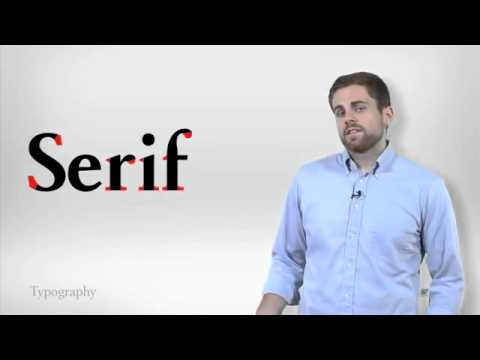
Design principles are what determine the look and feel of a site, and are one of the most important concepts for web designers to know. They can range from proportions, to typography, to grid systems, to color theory. Learning visual design means creating mood boards and type hierarchy and experimenting with web fonts and color palettes.
2. UX
UX stands for user experience, or how people feel (calm, frustrated, etc.) when they use a website. Above all else, UX design is about approaching your designs from a user-friendly and user-first perspective — how can you produce a website design that helps them get exactly what they need?
To do that, you’ll research your users and create “personas” (profiles of imaginary ideal users). You’ll lay out the pages and content with a site map. You’ll figure out the path users take on your site in user flows. For example, do they always click straight through to social media? Or are they just looking for contact information? You’ll use responsive design to account for different screen sizes and improve functionality for all users, regardless of device.
As a UX designer, you’ll build wireframes and use prototyping and templates to sketch out the key parts of each webpage, including the user interface. All of these components are essential to practicing user experience design.
3. GRAPHIC DESIGN AND WEB DESIGN SOFTWARE
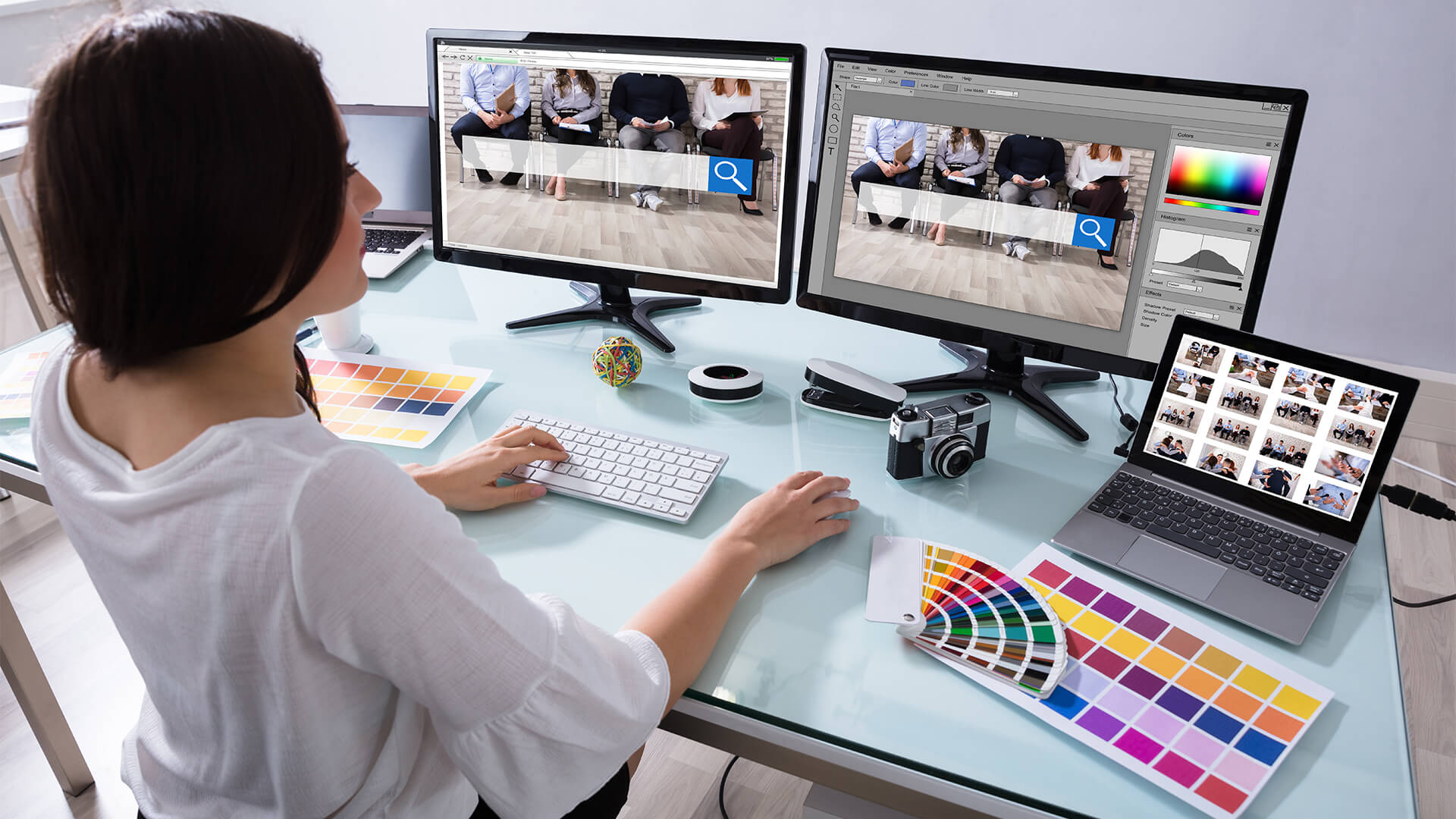
Like any craftsperson, as a web designer, to do your work, you need the right tools. Knowing your way around web design and graphic design industry standards will be helpful in every case and critical in many. While designing a website can be done right in a web browser, tools like Adobe Photoshop, Adobe Illustrator, and Sketch are used in graphic design and web design for important job functions: creating mockups, designing assets (think logos and images), and of course, modifying and enhancing photos.
You should learn how to use them (although, if you’re just getting started, consider trying out a few free Adobe Photoshop alternatives instead).
4. HTML
Wait, to become a web designer, do you need to know how to code? You might not have imagined that web designers would need to know any code, but some amount of technical skills is necessary — a little familiarity with HTML and CSS is expected for most design jobs nowadays. HTML stands for HyperText Markup Language, which is the programming language used to put content on a web page and give it structure on the front end. That means it’s how you turn a bunch of words into headlines, paragraphs, and footers. And it’s also how you get the “cool” content like photos, videos, and graphics on a website.
5. CSS
And then there’s HTML’s partner, CSS or Cascading Style Sheets. CSS is a coding language that tells browsers how to format and style HTML for a web page. In other words, it’s what makes all the text and other content look good and have a design. With CSS, you can adjust the colors, change the fonts, or add a stunning background — and so much more! This is where your eye for design really shines and how you can put your creative stamp on every site you create.
Pro tip: If you want to start learning web design for free, HTML & CSS are great skills to start with. We’ve got our free coding camp if you’re ready right here and now. Otherwise, take a look at our roundup of free resources for learning to code.
? Related: These Are the Jobs You Can Get with Just HTML and CSS
BONUS! JAVASCRIPT
While you can code up your designs using just HTML and CSS, if you can also program using JavaScript, you’ll have a huge leg up against the competition. JavaScript, which is both a front end and back end programming language, allows you to take static elements on your site and make them interactive. With JavaScript, you can make Twitter feeds that update automatically, websites that look different when you’re logged in, image sliders, and more!
Soft Skills Every Web Designer Needs

Now that you have the design and tech parts down, you only need to add some soft skills to keep yourself organized and effective in your web design work. These are the skills most web designers swear by, so save yourself some time by learning them now rather than later.
6. TIME MANAGEMENT
Whether you’re interested in learning web design to go freelance or to work for a company, you’ll need to stay on top of your schedule and your projects to be a successful web designer. This can mean getting to know productivity apps like task lists or calendars or, especially if you’re in a large organization, learning project tracking tools like Trello or JIRA. Whatever the tools, mastering the art of prioritizing and tracking your work will be essential for your success (and sanity!) in the busy world of web design.
7. COMMUNICATION SKILLS
Staying in touch and getting your point across are also must-have skills for a designer. You can’t make a living from building websites without great communication. You’ll need to keep clients up-to-date on the progress of their projects, plus pitch ideas and explain your creations. You might even be called on to do some copywriting or editing for sites, especially if you’re running your own one person shop. So buckle down on your writing and your presentation skills, and you’ll be sure to get your point across with clients and coworkers.
8. SEO / DIGITAL MARKETING / SOCIAL MEDIA
The skillset of SEO (search engine optimization), digital marketing, and social media might seem like it’s meant more for a marketer or salesperson than web designers. But, since the Internet is the way so many companies sell today, you should wrap your head around them too. Even knowing the basics of each and keeping them in mind for both clients and your own sites will get you a long way in your web designer journey.
9. BUSINESS / CLIENT MANAGEMENT
And, as an employee or as a freelancer, understanding the bottom line will help you make sure you or your company is profitable and sustainable. You don’t have to go back for your MBA, but you should have an idea about the goals and finances of your employer or your own business so you can use them to guide your work. And, if you’re designing directly for clients, you should have a plan for making sure that your cash flow and project backlog are both healthy and doable in the short and long term.
How to Learn Web Design Online
As you can see, there’s nothing mysterious or mind-blowing about the skills you need to be a web designer, but then there is the question of where and how to learn them. A foundation in the tech side and a good handle on the organizational parts will both get you going and be there for you as you build your knowledge and your career in web design.
You can learn ALL the skills we talked about above in Skillcrush’s Break Into Tech program, a comprehensive, entirely online course of study designed to take you from zero to working in web development or as a web designer in months. It includes fast tracks for getting you into your dream career quickly, over a dozen courses, plus optional course add-ons to help you niche down and find your path in tech.
We’ve also got a more specific Visual Designer course that covers everything from color theory and typography to becoming a Photoshop master. It’s the perfect digital course for creative types obsessed with colors, fonts, and all things visual.
Our courses are fully online and include 24/7 access to materials, as well as lots of support from friendly instructors and your fellow budding web designers in the online student community. You’ll even learn how to find, land, and complete your first paying web design project within months
Pro tip: You don’t need any design or coding experience to get started for any of our courses. So, join us now to get that exciting and fascinating career in web design you’ve been dreaming of.