Web Fundamentals: Page layout using tables vs CSS
Why tables used to be used for page layout, and why today you should use CSS…
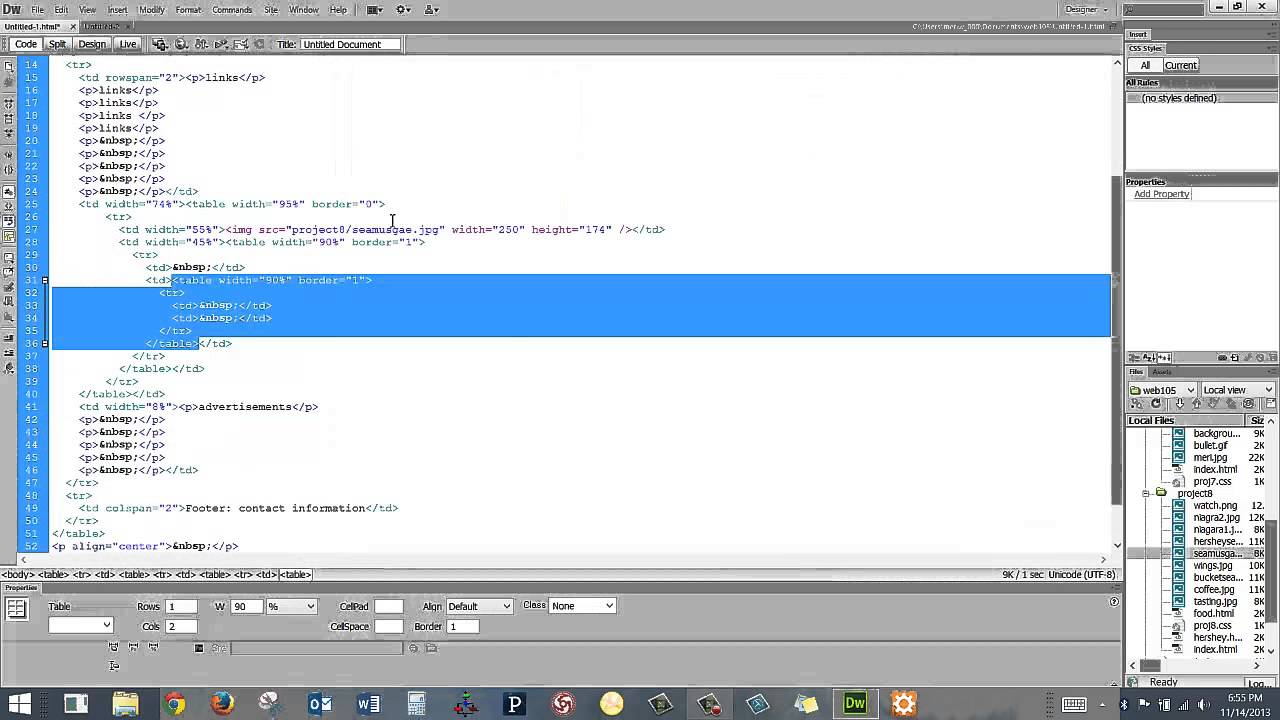
Web Fundamentals: Page layout using tables vs CSS
Why tables used to be used for page layout, and why today you should use CSS…
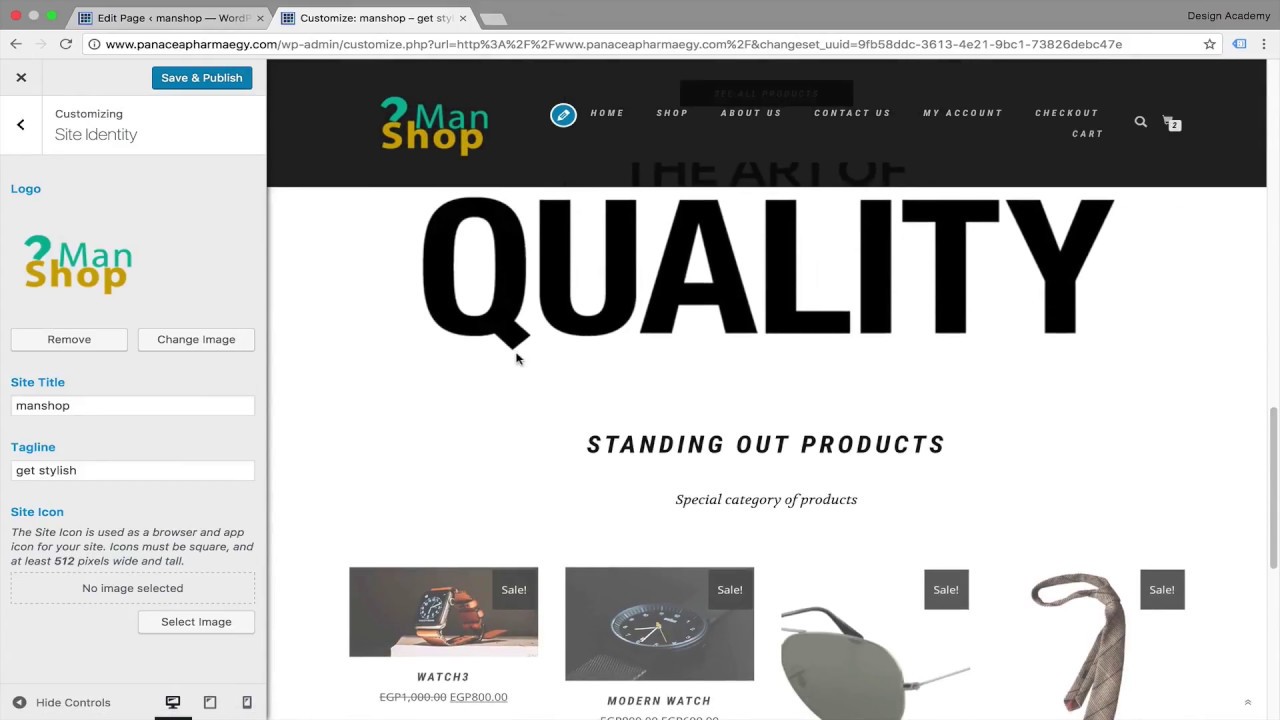
Adding footer widgets & logo English (wordpress website course)
*** Udemy FREE Course link : https://www.udemy.com/wordpress-complete-website-with-e-commerce-for-beginners/learn/v4/overview
*** Skillshare FREE course link : http://skl.sh/2u3mp2v
WORDPRESS is that amazing tool to build a website with no coding or web design experience and you don’t even want to know about design to make a beautiful website because wordpress got all those breathtaking beautiful themes
This is the perfect place to start your wordpress & web development course.
This is a very practical course i will walk you through the steps and together we will be building your website step by step so by finishing this course you will your website finished with the its customization & getting the best out of it
I tried to make this course so concentrated straight to the point making it so complete in the shortest possible time editing all the loading boring times or excluding all the bla bla that is not going to be useful to the students
WordPress is powering more 27% of overall internet websites. its a perfect tool & has been used for big websites like ( Mercedes benz, xerox, ebay inc, bestbuy..etc) & you can customize your website for any purpose. Whether you want to create a personal portfolio, a blog, or a business website to sell your products and services,
You will learn how to build your website for free except for the hosting plan & if you don’t want to buy hosting & just learn how to master the wordpress & train for Freelancing i will teach you how do to that on your computer & install the wordpress locally to follow up with the lessons
some of my students comments on the same course in arabic:
“Interesting! Your style in explaining the topic is interesting. Good course!
I have made my website right now, and within days it will be LIVE. Thanks a lot, this course is a great help” Mohamed Elshahidi
“course, very helpful in understanding complete WordPress website with e-commerce. Instructor is also very helpful and quick to reply Q&A section.” Mr. Qamar Faisal
“Comprehensive course from great instructor” Mohammed Sobhi
“simple explanation and clear keep going” Elad Mohammed
“Thank you for amazing course” Zitou Ossama
COURSE CONTENT:
Know about the wordpress & freelancing
Wordpress local hosting
Online Hosting & choosing you domain name
how to optimize images & create creative Art direction with photoshop
how to build your own beautiful Modern Responsive website using WordPress.
You will know how to design pages, menus, sidebars, footers, and create a professional and modern website.
You will know how to set up contact pages
how to set up email opt-in forms throughout your website.
how to find and install themes.
how to find and install plugins.
Complete woocommerce plugin tutorial
Build online 24/7 e-commerce store.
learn to create discount coupons & sale offers.
How to convert your website into https secure (encrypted connection).
How to mater your online store in all details( shipping, tax, payments..etc)
how to back up your WordPress website in case of emergency.
increase SEO ranking for your website.
You will know how to speed up your website with caching plugins.
how to build official professional domain emails.
What is the target audience?
Those interested in learning to build websites using freely available tools should with lowest possible cost take this course.
Want to establish your online business entrepreneurship
want to sell your products online
You are someone who wants to build a website for your business, hobby, or personal life.
You want someone to walk you through the entire process of creating a WordPress website from the very beginning to publishing.
Cheers,
Khalil Ibrahim…

User Experience Design Fundamentals Udemy
Check out the course:
http://bit.ly/2iqidDW…
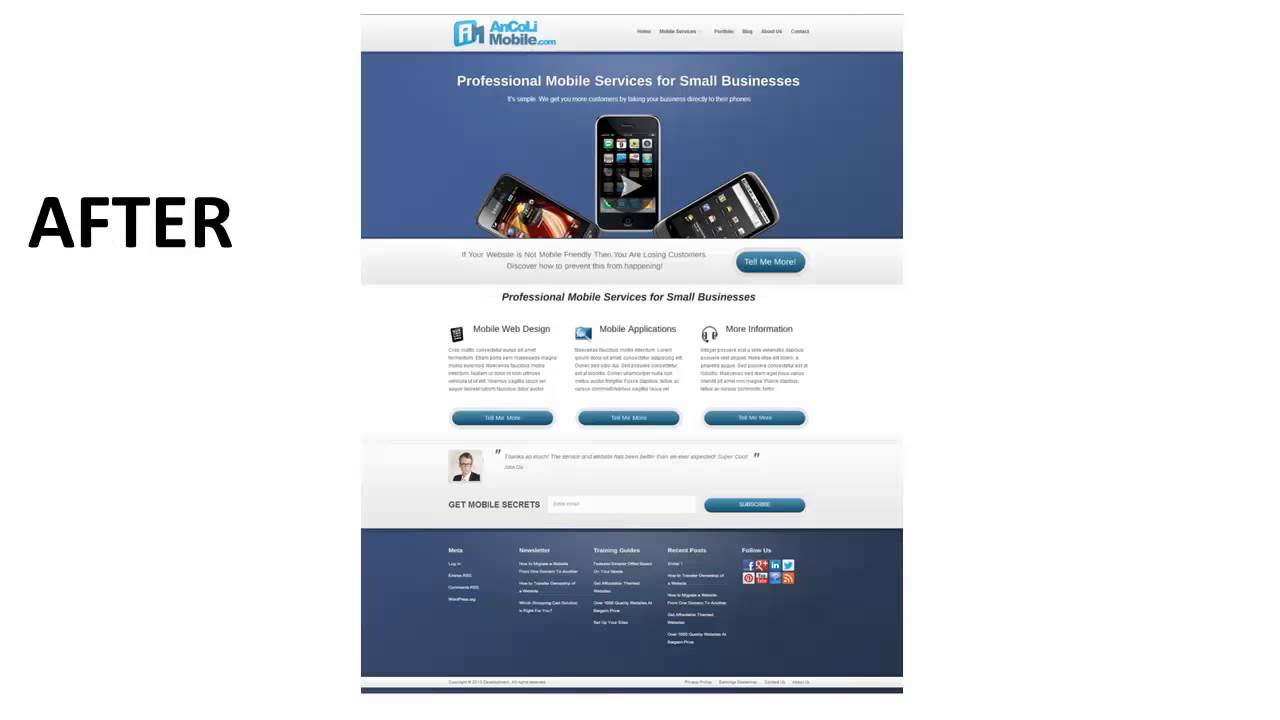
Corporate Web Design | Professional Corporate Web Developer
When it comes to your website, extra attention should be paid to every minute detail to make sure it performs optimally to serve its purpose. Here are seven important rules of thumb to observe to make sure your website performs well.
1) Try to limit splash pages
Splash pages are the first pages you see when you arrive at a website. They normally have a very beautiful image with words like “welcome” or “click here to enter”. In fact, they are just that — pretty vases with no real purpose. Do not let your visitors have a reason to click on the “back” button! Give them the value of your site up front without the splash page.
2) Do not use excessive banner advertisements
Even the least net savvy people have trained themselves to ignore banner advertisements so you will be wasting valuable website real estate. Instead, provide more valuable content and weave relevant affiliate links into your content, and let your visitors feel that they want to buy instead of being pushed to buy. This is important regarding corporate web design.
3) Have a simple and clear navigation
You have to provide a simple and very straightforward navigation menu so that even a young child will know how to use it. Stay away from complicated Flash based menus or multi-tiered drop-down menus. If your visitors don’t know how to navigate, they will leave your site.
4) Have a clear indication of where the user is
When visitors are deeply engrossed in browsing your site, you will want to make sure they know which part of the site they are in at that moment. That way, they will be able to browse relevant information or navigate to any section of the site easily. Don’t confuse your visitors because confusion means “abandon ship”!
5) Avoid using audio on your site
If your visitor is going to stay a long time at your site, reading your content, you will want to make sure they’re not annoyed by some audio looping on and on on your website. If you insist on adding audio, make sure they have some control over it — volume or muting controls would work fine. Another important consideration in corporate web design.
Hope these tips help you find a professional corporate web developer. Make sure they know WordPress.
…
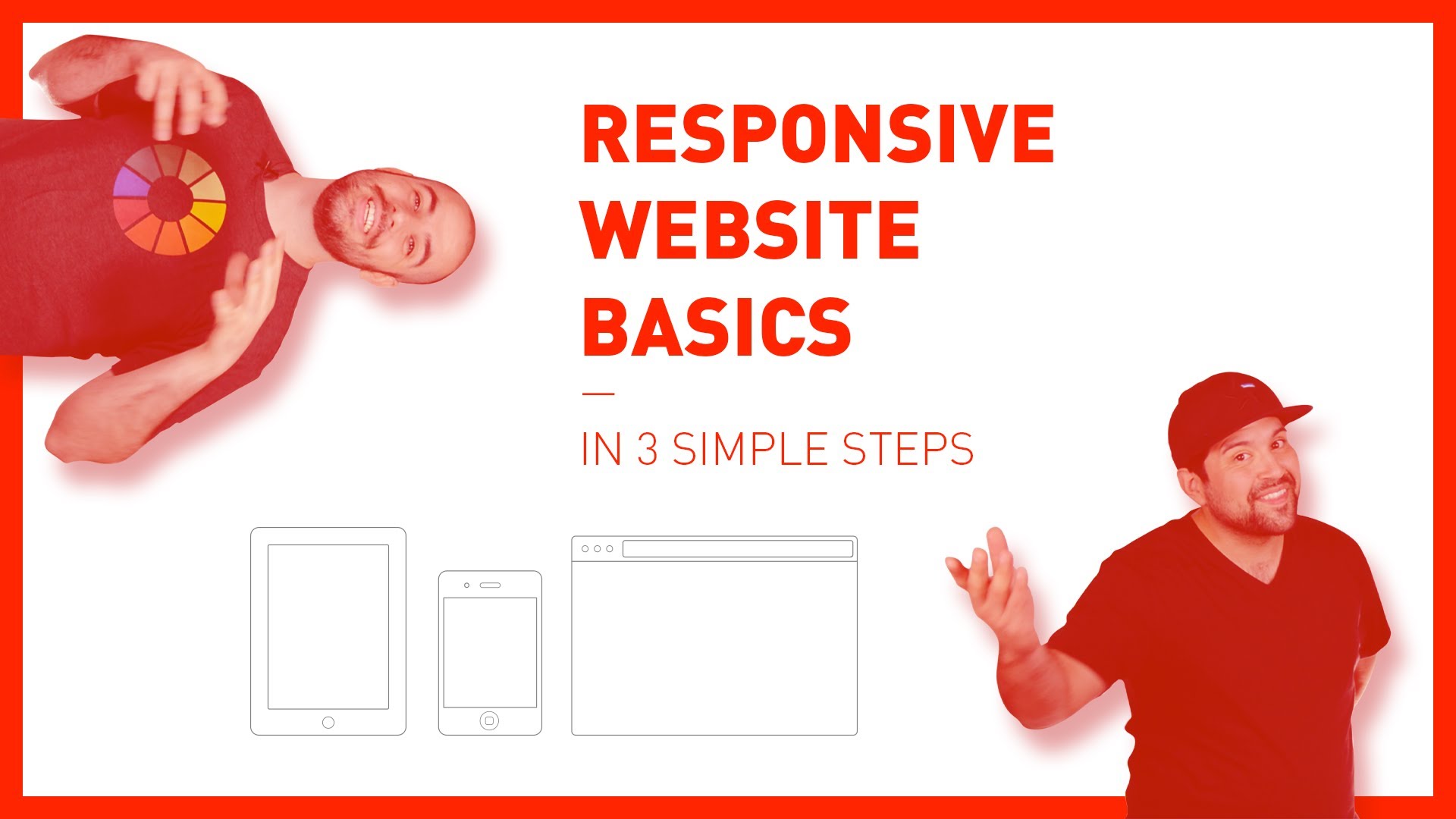
Responsive Website Basics (in 3 simple steps)
Today Los is joining me again for a special episode where we talk about the basics of coding for a responsive website.
We cover three main principals:
1. The Meta Tag
2. HTML Structure
3. Media Queries
After you watch the video you can reference the github repo to see the code in action:
https://github.com/DevTips/Responsive-Web-Design-Basics
Thanks everyone!!
—
DevTips is a YouTube show about web design and development.
Check out the DevTips Github account:
https://github.com/DevTips
—-
HTML5 Basics Playlist:
CSS Basics Playlist:
—-
DevTips now has a twitter account:
Tweets by DevTipsShow
Travis also tweets:
Tweets by travisneilson…
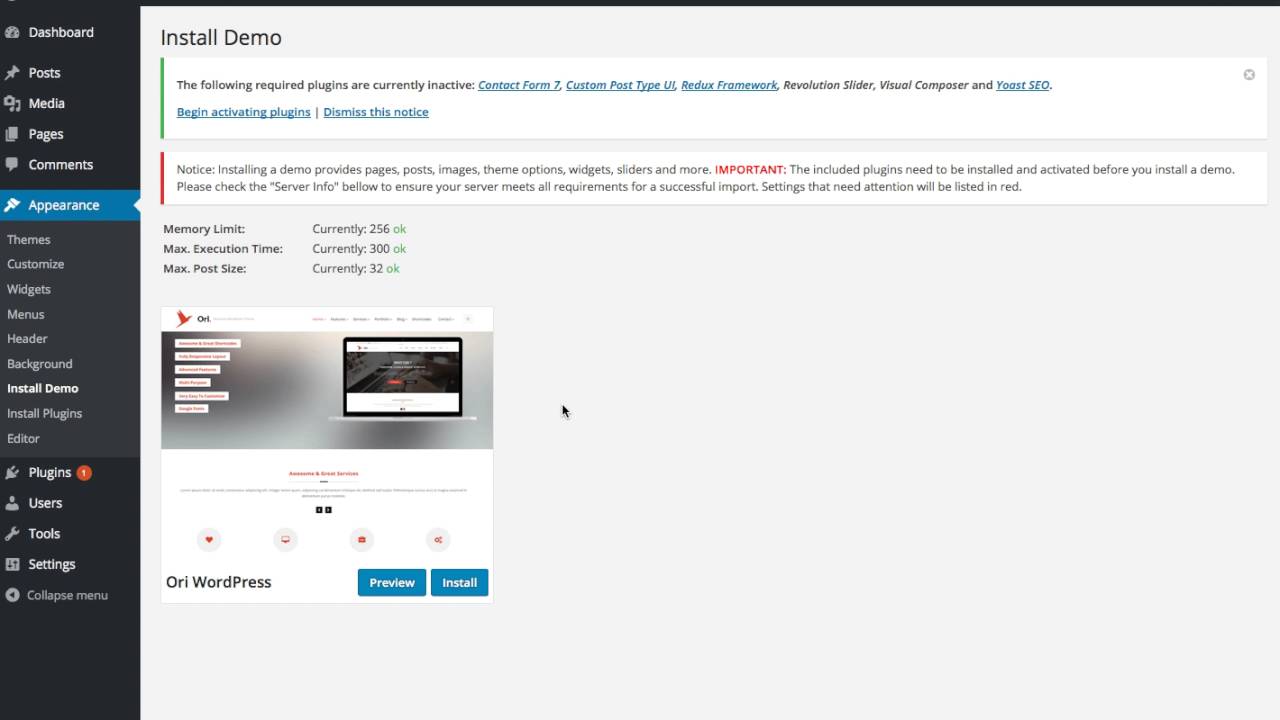
ORI INSTALL DEMO – Multi-Purpose Responsive WordPress Theme for Business
ORI – Unique multi purpose wordpress theme comes with a responsive modern design and awesome theme options. Easily create responsive pages and posts without coding!
ORI v1.1 has just released!
1. Added more 6 demo home styles (Beuaty & Spa, Portfolio, App Landing, Wedding, Mechanic, Event)
2. Integrated Yoast Seo plugin
3. Updated One Click to Import Demo
4. Updated Masonry Drag & Drop Front-end layout builder shortcode
http://themeforest.net/item/ori-multipurpose-responsive-wordpress-theme-for-business/15854536…
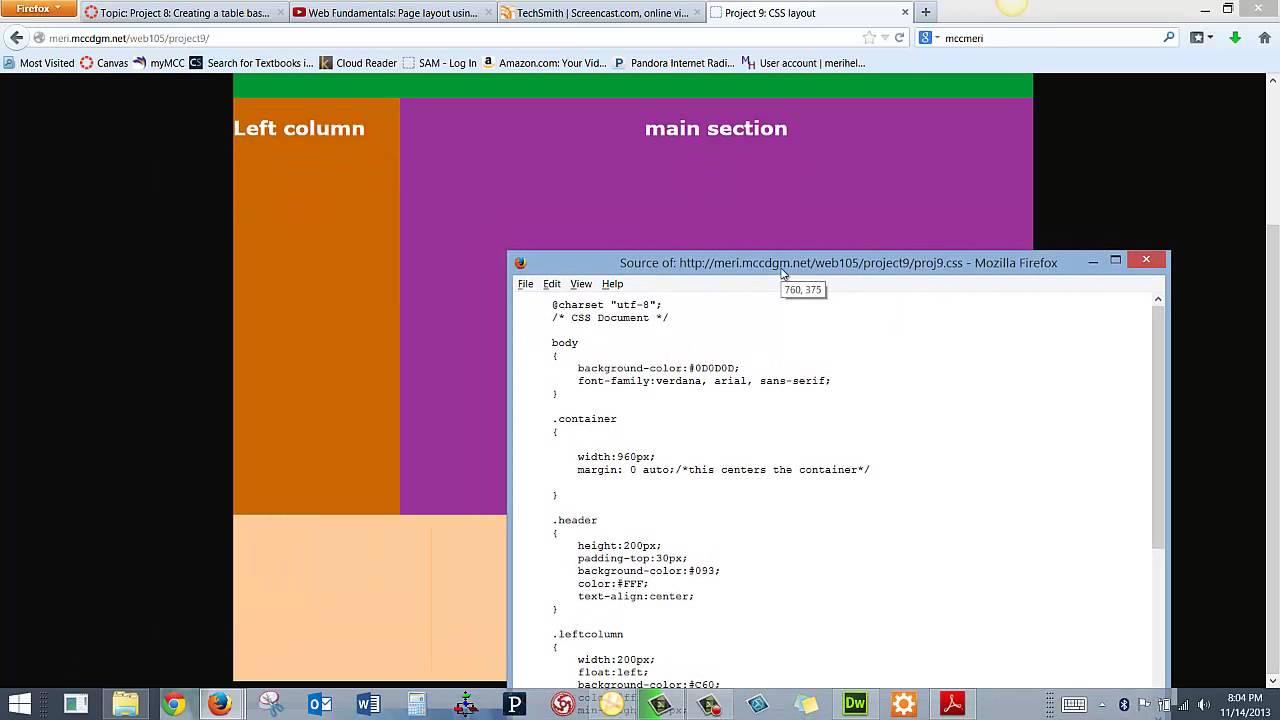
Web Fundamentals: HTML project 9 – CSS layout
Using CSS div tags to set up the layout for a web page…
Let’s Build A Consultancy Website – Part 20 – Coding The Home Page Brand Strategy Section
Hi, My name is Andy Leverenz. I design, code, and am an author of things. Check out my agency called Couple of Creatives https://coupleofcreatives.com and my blog Web-Crunch https://web-crunch.com??
=========
In Part 20 of my *Let’s Build: A Consultancy Website* series I walk you through finishing some last minute tweaks of our primary header as well as building out the brand strategy section.
# Brand Strategy
The purpose of the brand strategy section on the home page design is to define briefly what it is and why it’s important for any business looking to appear professional to its customers and consumers. Alyssa ultimately wants to help businesses define their own strategies as each business and market is very different.
#Designing the brand strategy section
The design of this section is very simple featuring a solid background color and white text with a newsletter subscribe form. Alyssa can better target customers via email so including this form throughout the site was an important requirement.The form will later be integrated with [MailChimp](https://mailchimp.com) which makes sending newsletters and targeted email campaigns very easy and scalable. We like easy!
Next up we’ll tackle the process section which includes some fun components to both design and code in the browser. See you there!
=======
⚙ Download the Source Code for this Project
https://github.com/justalever/endlyssdesigns
? Previously published at:
https://web-crunch.com/lets-build-consultancy-website-part-20/
? Check out the blog:
https://web-crunch.com
? ? Check out my agency:
https://coupleofcreatives.com
? Links:
Weekly Newsletter: https://web-crunch.com/subscribe
Twitter: https://twitter.com/webcrunchblog
Twitter(Personal Account): https://twitter.com/justalever
Facebook: https://facebook.com/webcrunchblog
Dribbble: https://dribbble.com/justalever
Github: https://github.com/justalever
Medium: https://medium.com/the-web-crunch-publication
?Check out my book on UX Design:
“LUXD: Learn User Experience Design”
https://web-crunch.com/books/luxd
? Check out my FREE book on Tumblr Theming:
“Pro Tumblr Theming”
https://web-crunch.com/books/ptt
?Recommended Stuff I Use to Shoot Video:
Canon EOS Rebel SL1 – http://amzn.to/2m3EZDH
Linco Lighting Set – http://amzn.to/2mF8Shs
Logitech HD Pro Webcam C920 – http://amzn.to/2mpqzBk
Rode NT-USB Condenser Microphone – http://amzn.to/2mFhaG9
? Need awesome web hosting? Check out cloudways. They allow me to use a variety of hosting providers and build apps with ease:
http://bit.ly/webcrunchhosting…
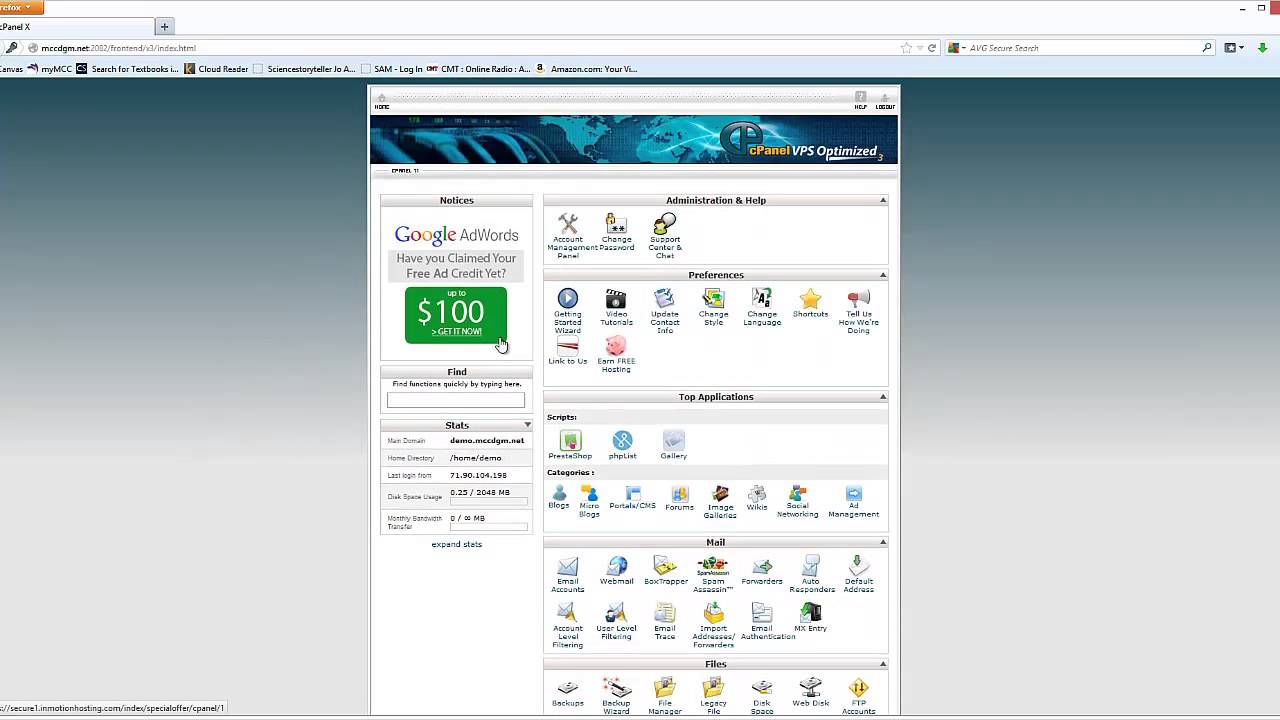
Web Fundamentals video 1: Setting up Cpanel
The first video for the Web Fundamentals class, logging into Cpanel for the first time…
how to make website for any purpose by using wix.com
Get started wit wix, and make a website: https://www.wix.com
wix is one of the best drag and drop solution to make a website today.
wix is Artificial Design Intelligence (ADI) software automatically build a stunning professional looking website for you in just minute.
Why use Wix :
-You don’t need to be developer also no coding skill required.
-Customize it easily, drag and drop everything into place.
-Wix offers 100’s of templates.
-Support online store.
In this video, I’II give you overview of Wix’s ADI and how you can easily edit any part of your website.
Like Share and Subscribe……..!!!…